Can't open chrome in LinuxMint
This article is machine-translated.
Recently changed the daily system to LinuxMint, in the use of chrome browser found that can not be opened, after a network search and some practice, found that it is caused by chrome’s lock file. The solution is:
End all chrome processes
killall chromeRemove lock file
rm -f ~/.config/google-chrome/SingletonLockThen you can open it normally.
Probable Cause:
Not closing chrome correctly, the process is not fully terminated, so the lock file still exists in the configuration file, making chrome think that the process is not finished.
 之前用hy2被运营商qos制裁了,v6应该会好点吧
 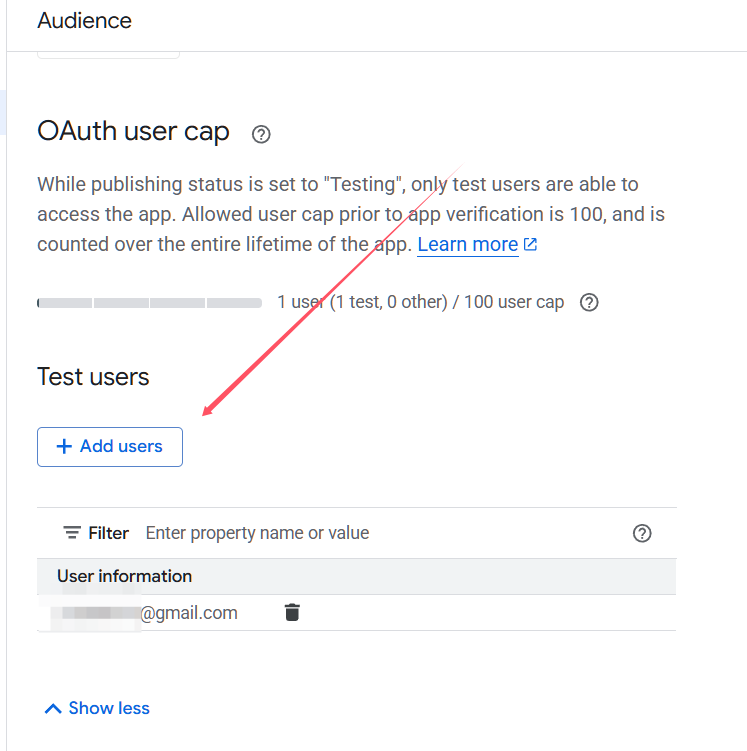 2. Open browser authorization error 403decline
z
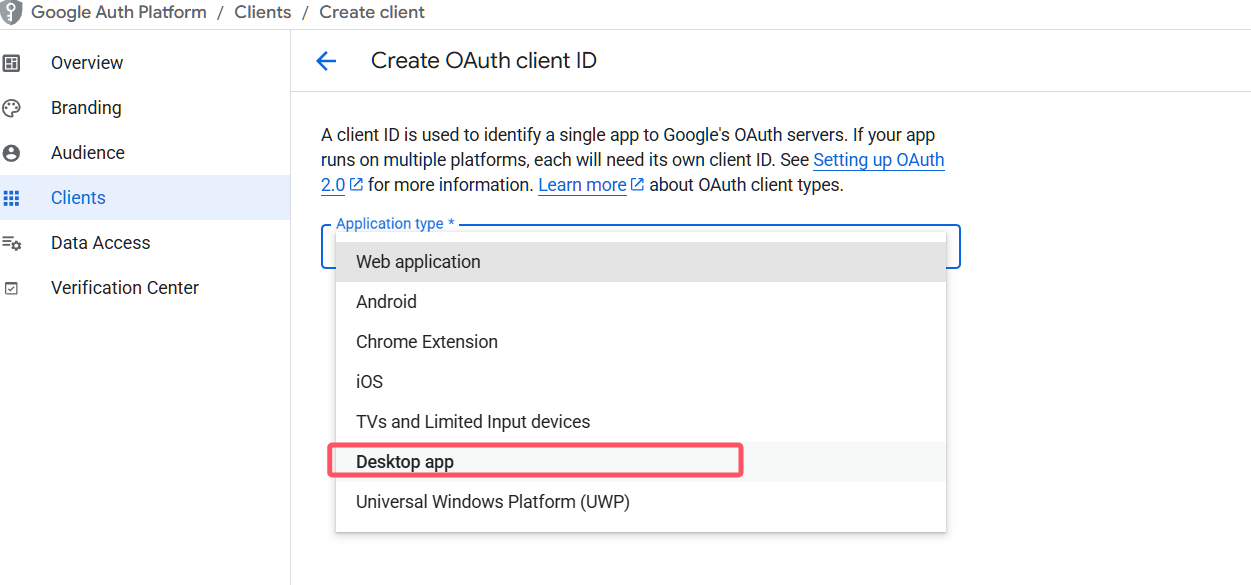
Change the application type to Desktop app to solve the problem.
2. Open browser authorization error 403decline
z
Change the application type to Desktop app to solve the problem.